
PHP2Shell: Two Critical PHP Flaws Put Business Websites at Risk
PHP2Shell affects the PHP software behind business websites. Here are the fixed versions, the questions to ask your host, and the checks to make after patching.
If your business runs WordPress, an online store or a PHP customer portal, ask whoever manages the server whether it has received the PHP2Shell security update. Updating WordPress or its plugins alone does not fix these flaws. The PHP software on the server needs attention.
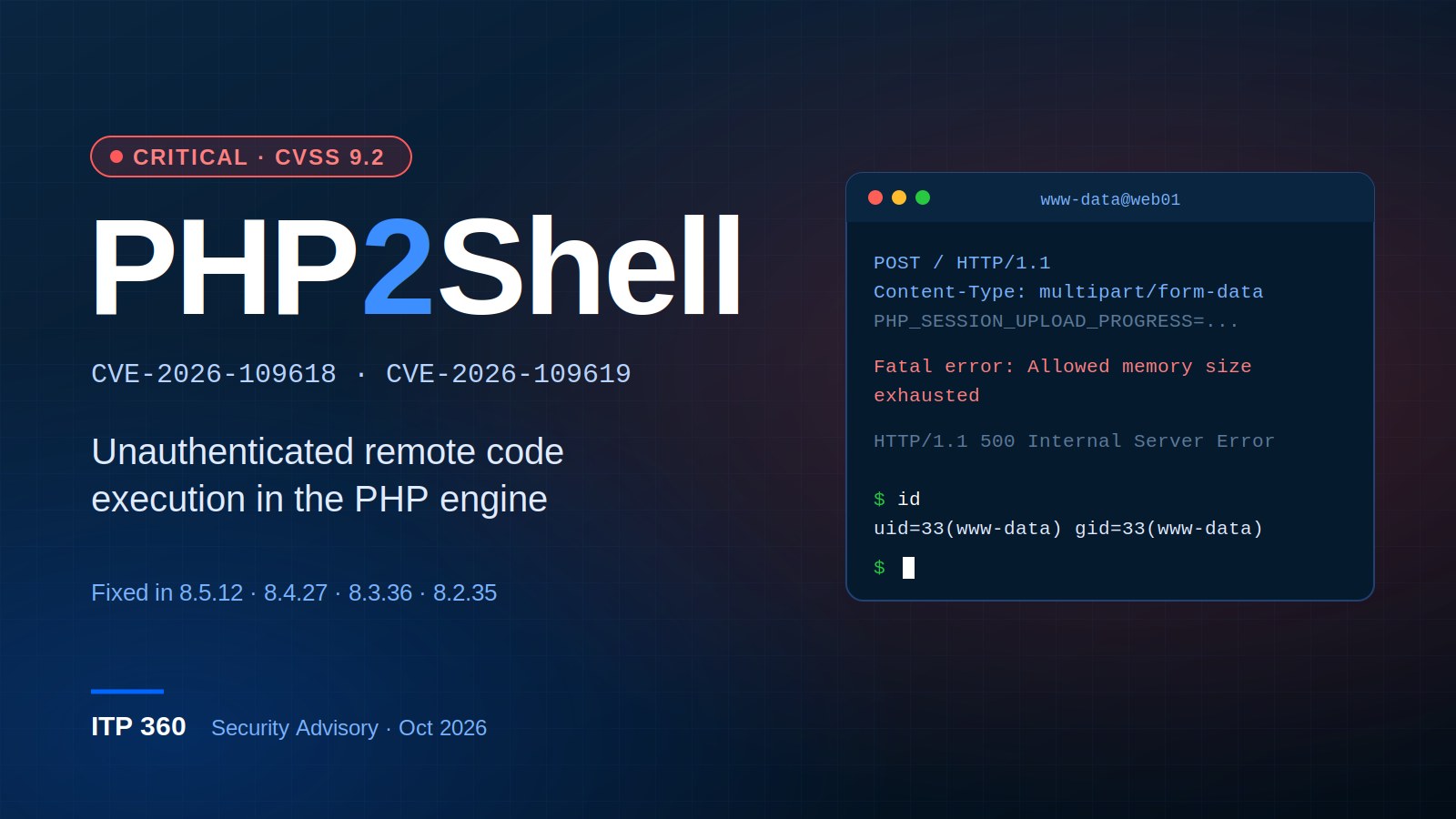
PHP2Shell is the name given to CVE-2026-109618 and CVE-2026-109619, two PHP memory-handling vulnerabilities that can let an attacker run code without logging in. PHP published the advisories on October 21, 2026. Both have a critical severity rating of 9.2.
Which websites are affected?
Start with anything that accepts web requests through PHP. That includes WordPress and WooCommerce sites, as well as custom applications. A booking portal on a separate subdomain can need its own update even if the main website is already patched.
The risk depends on the PHP build and how the server handles requests. The PHP advisory for CVE-2026-109618 documents remote code execution against Apache with mod_php. The second advisory, CVE-2026-109619, describes state left in memory between requests and several ways it can be reached. Running PHP-FPM is not, by itself, proof that a system is safe.
A working website tells you very little about whether this update is installed. Ask for the version or vendor patch record.
Which PHP versions contain the fixes?
The first upstream releases fixing these two vulnerabilities are:
- PHP 8.2.35
- PHP 8.3.36
- PHP 8.4.27
- PHP 8.5.12
Use the current supported release for your PHP branch, at least as recent as the version above. The PHP release changelog records the fixes.
Linux vendors may patch an older package without changing its upstream PHP version. In that case, check the vendor's security advisory and installed package revision. For example, Red Hat's PHP2Shell bulletin lists affected products and remediation guidance. An old-looking version number alone does not settle the question.
What to ask your hosting provider
Send the host the two CVE numbers and ask: “Has the PHP runtime serving this website been patched for CVE-2026-109618 and CVE-2026-109619? Which package or PHP version is running now, and were the workers restarted?”
If you manage several sites, get an answer for each hosting account. Include staging sites and older portals that still accept public traffic. Keep the host's response with your maintenance records so the next person does not have to repeat the investigation.
For an administrator doing the work, check the runtime serving web requests. The version reported by php -v belongs to the command-line installation, which can differ from the one used by the website. After updating, restart the PHP workers and test the site's forms and sign-in flow.
What if the update has to wait?
Have the administrator review the mitigations in the PHP advisories for that server's configuration. Disabling session upload progress blocks confirmed session-related attack paths, but it does not fix both vulnerabilities. Memory-limit changes also need care: removing PHP's limit without an external resource boundary can let a request exhaust server memory.
Those settings can affect uploads and other application behavior. If the host cannot provide a safe interim plan, restrict public access to the affected application until it can be patched. A web application firewall is another layer of protection; it does not establish that the PHP installation is fixed.
Update, October 31: Red Hat's bulletin also covers CVE-2026-115560, a separate session upload-progress issue disclosed after the original pair. It requires an unusual configuration and application behavior. Check the current vendor guidance for that issue too; the version list above refers to the two original PHP2Shell flaws.
Check what happened before the patch
Installing an update closes the vulnerable code paths. It does not tell you whether someone used them earlier. Preserve the web and PHP logs, then review the period when the server was exposed. Investigate unexplained crashes, unfamiliar files and changes to administrator accounts. A server error on its own is not evidence of a break-in.
If the review finds evidence of compromise or exposed credentials, contain the affected system and replace the relevant passwords and keys after securing it. Keep a record of what was found and changed.
Need help checking a business website?
ITP360 provides cybersecurity services for Miami businesses. We can check the hosting setup, identify the PHP runtime and coordinate the update with your host or developer. If the site depends on an unsupported PHP version, we can assess the upgrade work as well.
Contact our team with the website address and your hosting provider's name. Do not send passwords through the contact form.
Need help with your IT?
Schedule a free consultation with our team.